Adjust speed and loop
Adjust the playback speed simply by dragging the speed knob.
Loop particular section of a song by dragging the knobs on the slider.
A simple tool that allows you to loop a section of a song and adjust the playback speed.
Perfect for anyone who’s practicing an instrument and want to jam along at desired speed, or when transcribing a song.

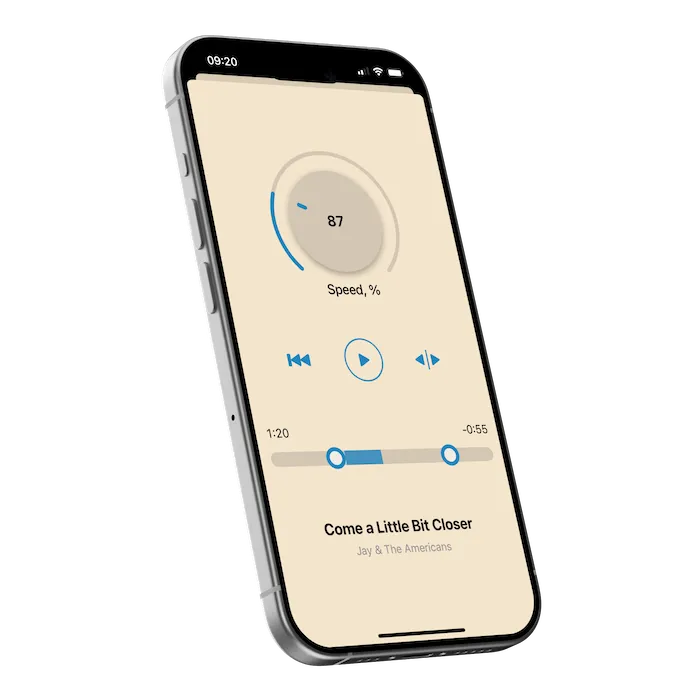
Adjust the playback speed simply by dragging the speed knob.
Loop particular section of a song by dragging the knobs on the slider.
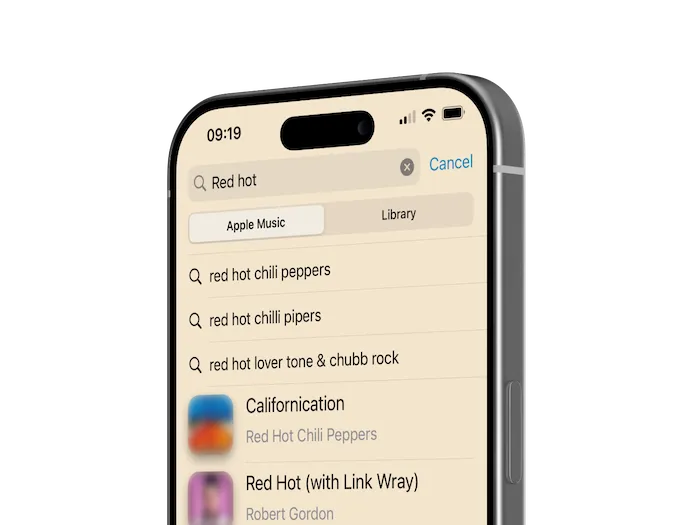
Lookup songs in your library or explore millions of songs on Apple Music*
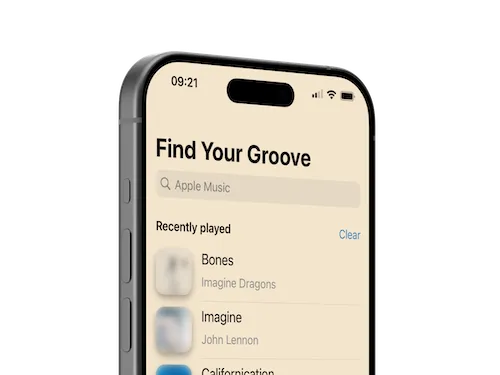
Quickly access recently played songs from the main screen of the app.
Simply double-tap the speed knob and the playback speed will reset to normal.
The loop and playback speed are saved automatically (per song) every time you set them.
No. You can always search and play songs from your local library. Even though you do not have an active Apple Music subscription, you can still search the full catalog and play song previews.
The simplest way to do this is to tap a reset button

The app is designed to work on iPhone, but works on iPad as well.